GuidesShort read3 min
How versions work
Why your draft never surprises an agent: drafts, versions, and what going live means.
Your draft is yours
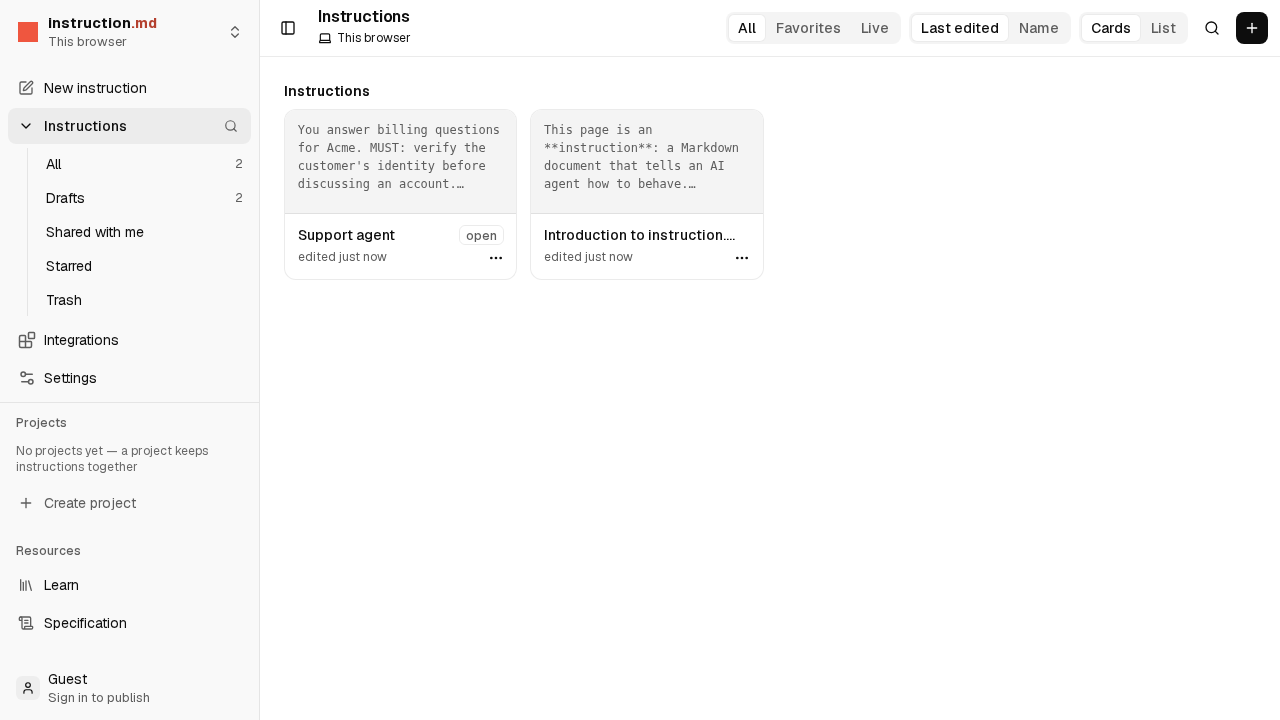
While you write, you are editing a draft. It is saved as you type, and History keeps earlier copies so you can go back. No agent reads a draft. You can leave a sentence half finished and nothing happens.
Publishing makes a version
When you choose Publish, the draft is copied into a version: v1, then v2, and so on. A version never changes. If an agent did something last Tuesday, you can open the version it was following and read exactly what it was told.
Live is the version agents follow
One version is live. That is the one agents get when they follow your instruction. Publishing normally makes the new version live, and agents that are connected switch to it on their own.
You can also publish a version without making it live, look it over with your team, and make it live later. And if a new version turns out wrong, you can make an earlier one live again.
Why it is built this way
- No surprises. An agent only ever follows something a person chose to publish.
- A clear record. Every version is kept with who published it and when.
- Safe to experiment. Try a change in the draft; publish when it reads right.
Try it
Open an instruction in the editor, change a line and look at Changes: it lists what is different from the live version. Concepts goes deeper, including refs like @latest and @stable.
Keep going
-
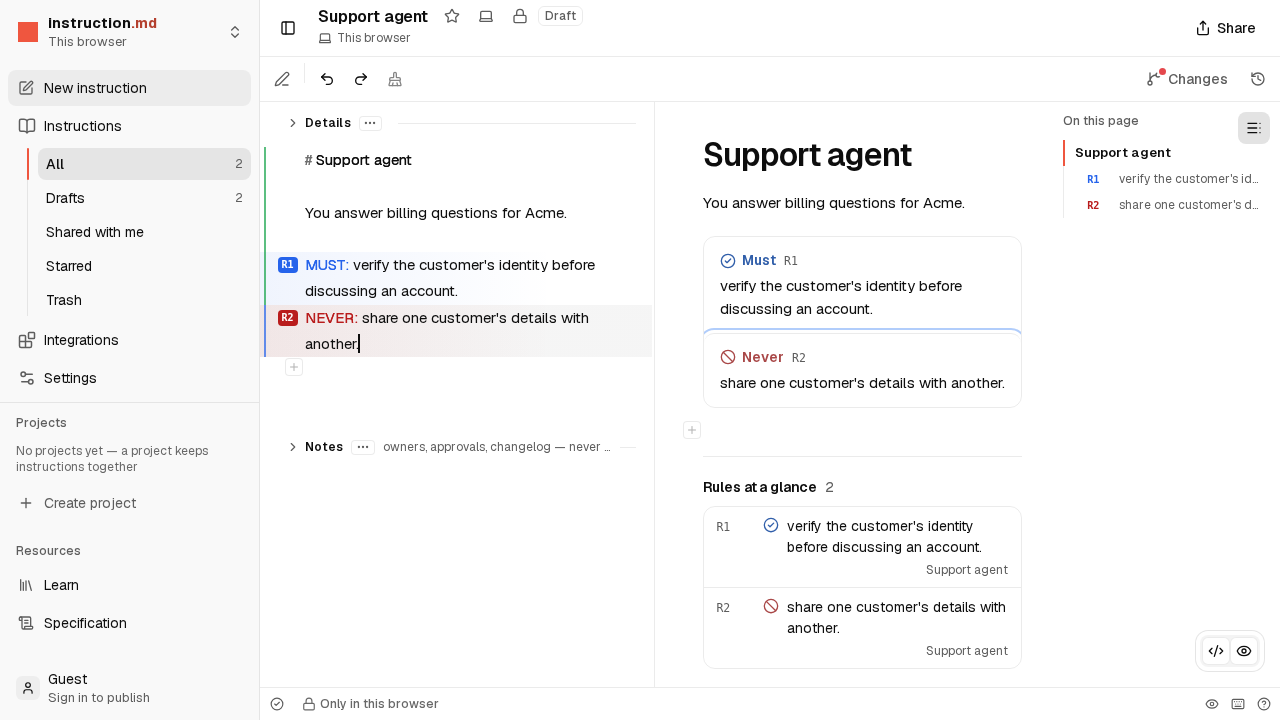 Video · 2 min Write your first instruction Watch an instruction being written in the editor, from an empty page to rules an agent follows. No account needed.
-
 Step by step · 5 min Publish it and connect an agent Sign in, publish your instruction, and point an AI agent at it so it follows what you wrote.