Learn instruction.md
An AI agent does what its instructions say. instruction.md is a way to write those instructions down so that people can read them, agree on them and change them safely, and so that every agent follows the version its people approved.
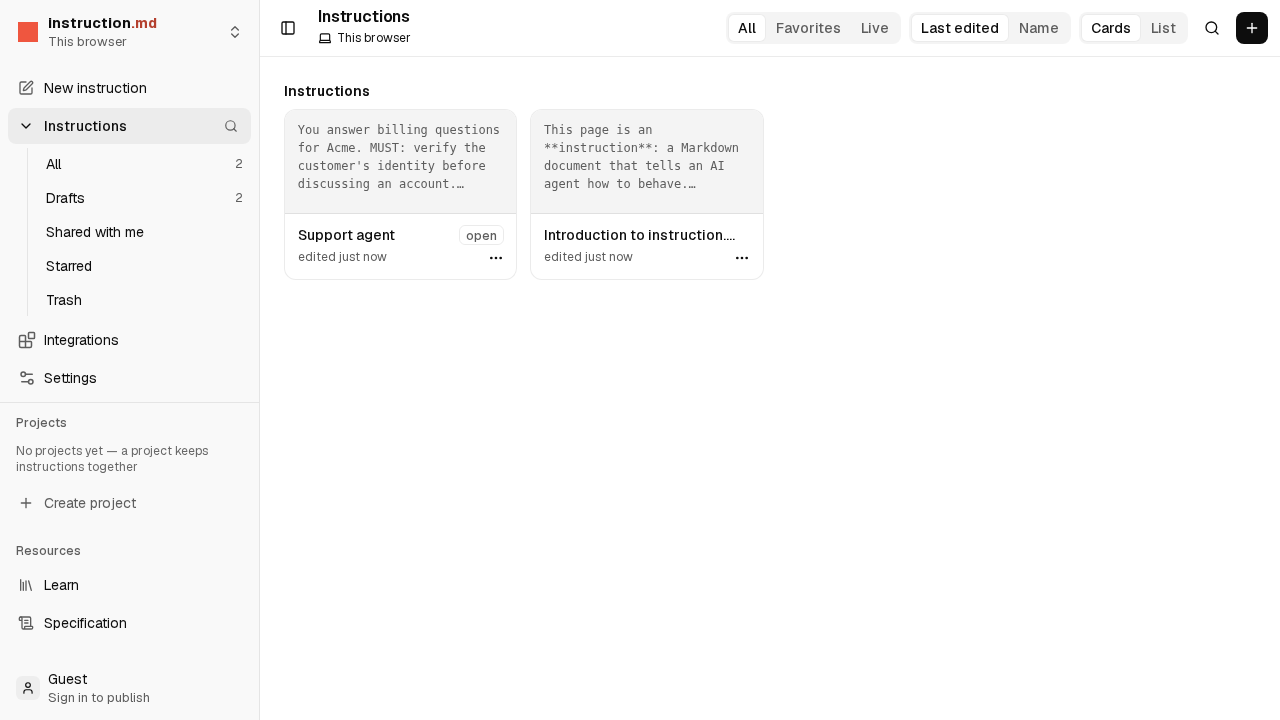
An instruction is a Markdown file: ordinary writing, with a few clear words for what matters most, like
MUST and NEVER. You can write one in the editor without
installing anything.
Start with a guide
A short video, a task to follow step by step, and a quick read. A few minutes each. All guides
-
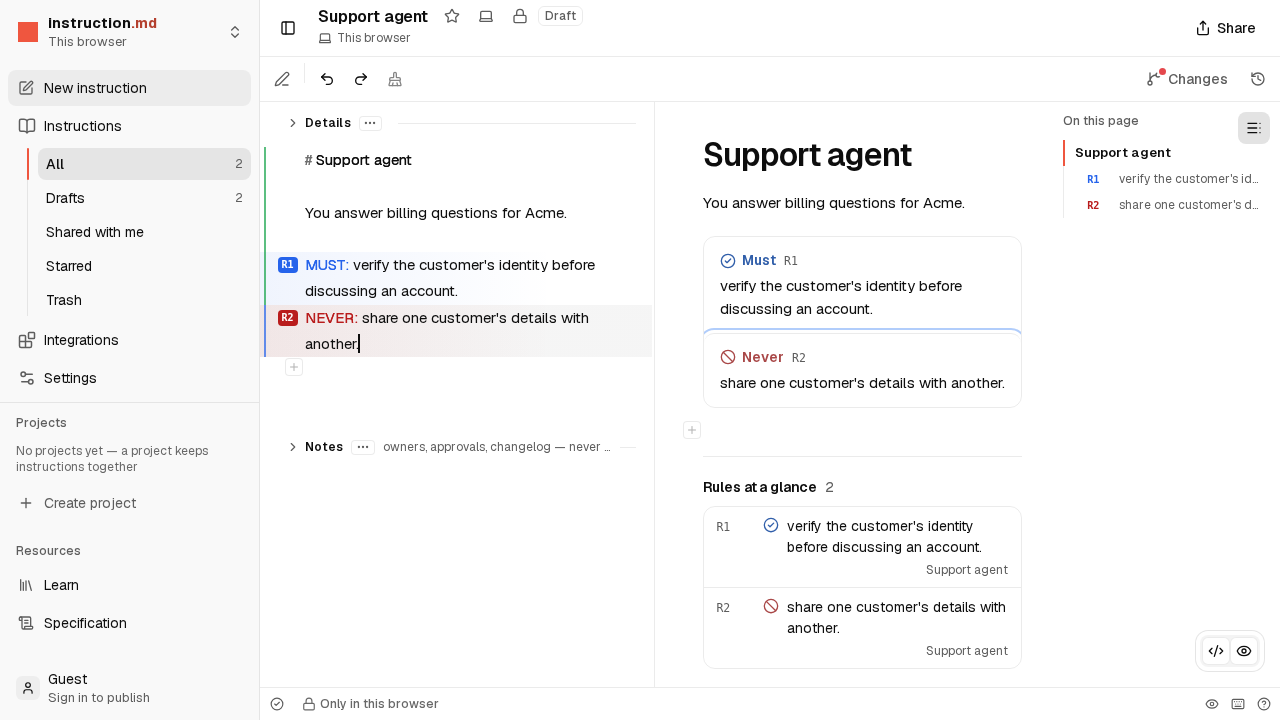 Video · 2 min Write your first instruction Watch an instruction being written in the editor, from an empty page to rules an agent follows. No account needed.
-
 Step by step · 5 min Publish it and connect an agent Sign in, publish your instruction, and point an AI agent at it so it follows what you wrote.
-
 Short read · 3 min How versions work Why your draft never surprises an agent: drafts, versions, and what going live means.
Where to go next
- You have five minutes. Follow the quickstart: write an instruction, publish it and read it back the way an agent does.
- You want the ideas first. Read concepts: versions, refs, who can read what, and how changes are proposed.
- You want to see what an instruction can say. Take the tour of the language: rules, policies, tools, skills and people, one at a time.
- Your work has steps and approvals. See workflows: a process written down as named steps, with a person deciding where it matters.
When you need the details
The docs are the reference: connecting an agent, the command line, embedding, signing and running your own registry. The specification defines exactly what every part of an instruction means, so any tool that follows it reads your instruction the same way.